Microsoft is killing Edge Collections.
Your saved links don’t have to go with it.
bookmark.land is a free, cross-browser bookmark manager with nested collections, smart folders, link health monitoring, and full data export. Move your links in minutes — keep them forever.
Start Your Free LibraryNo credit card required — works in any browser
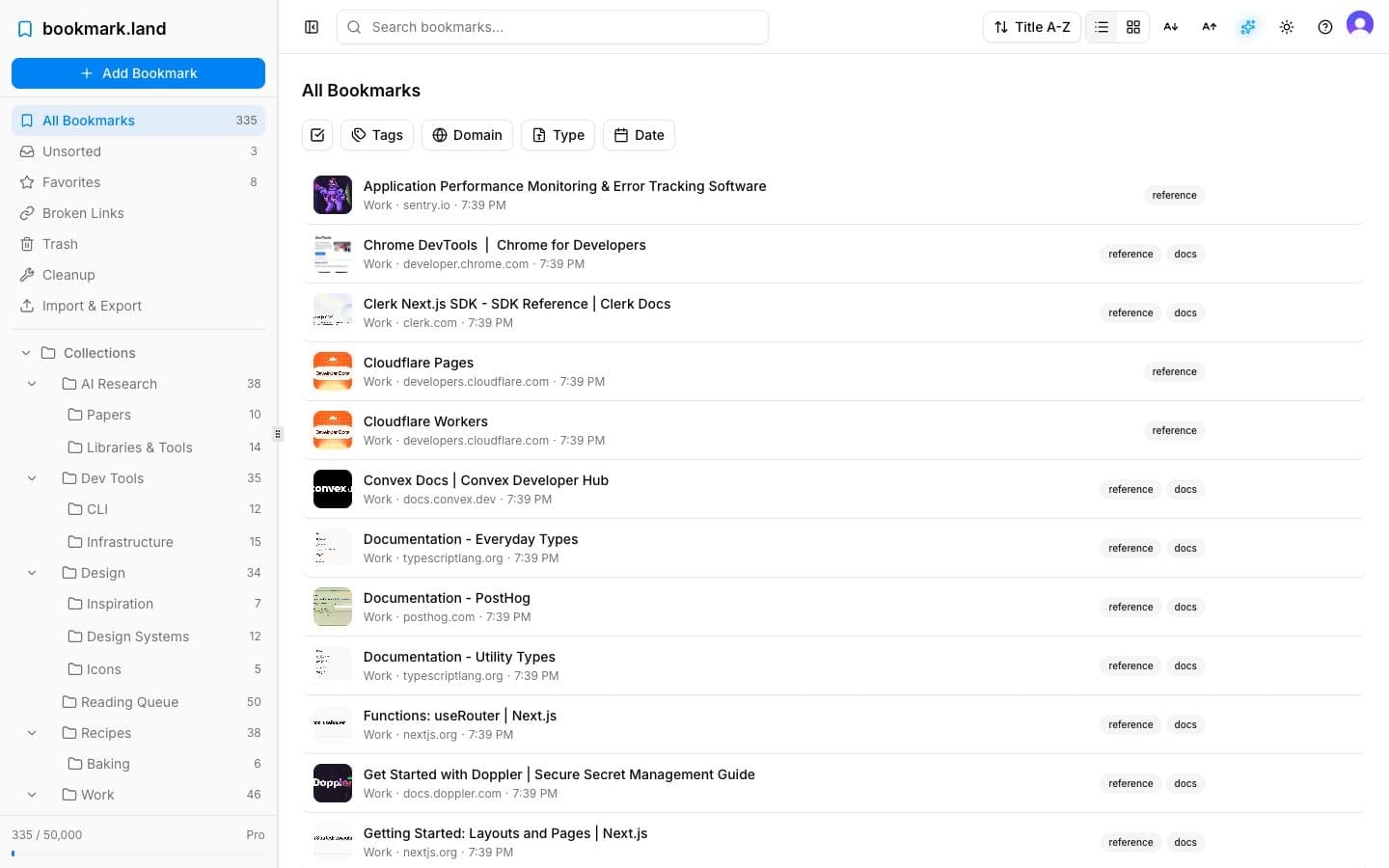
Edge Collections vs bookmark.land
An honest comparison. We note where Edge Collections had genuine strengths.
| Feature | Edge Collections | bookmark.land |
|---|---|---|
| Organization | Named collections, flat only | Unlimited nested collections with icons |
| Tags | None | Color-coded, multi-assign |
| Search | Browser search only | Full-text + filters (tag, domain, date, type) |
| Link Health | None | Automated link checks |
| Export | Copy to Excel/Word only | HTML, CSV, JSON — free on all plans |
| Notes | Per-collection notes | Per-bookmark notes |
| Smart Folders | None | Custom filter rules |
| Cross-browser | Edge only | Any browser |
| Mobile | Edge mobile only | PWA — installable on any device |
| Price | Free with Edge | Free tier + $2.99/mo Pro |
| Privacy | Microsoft telemetry | No ads, no tracking, no data selling |
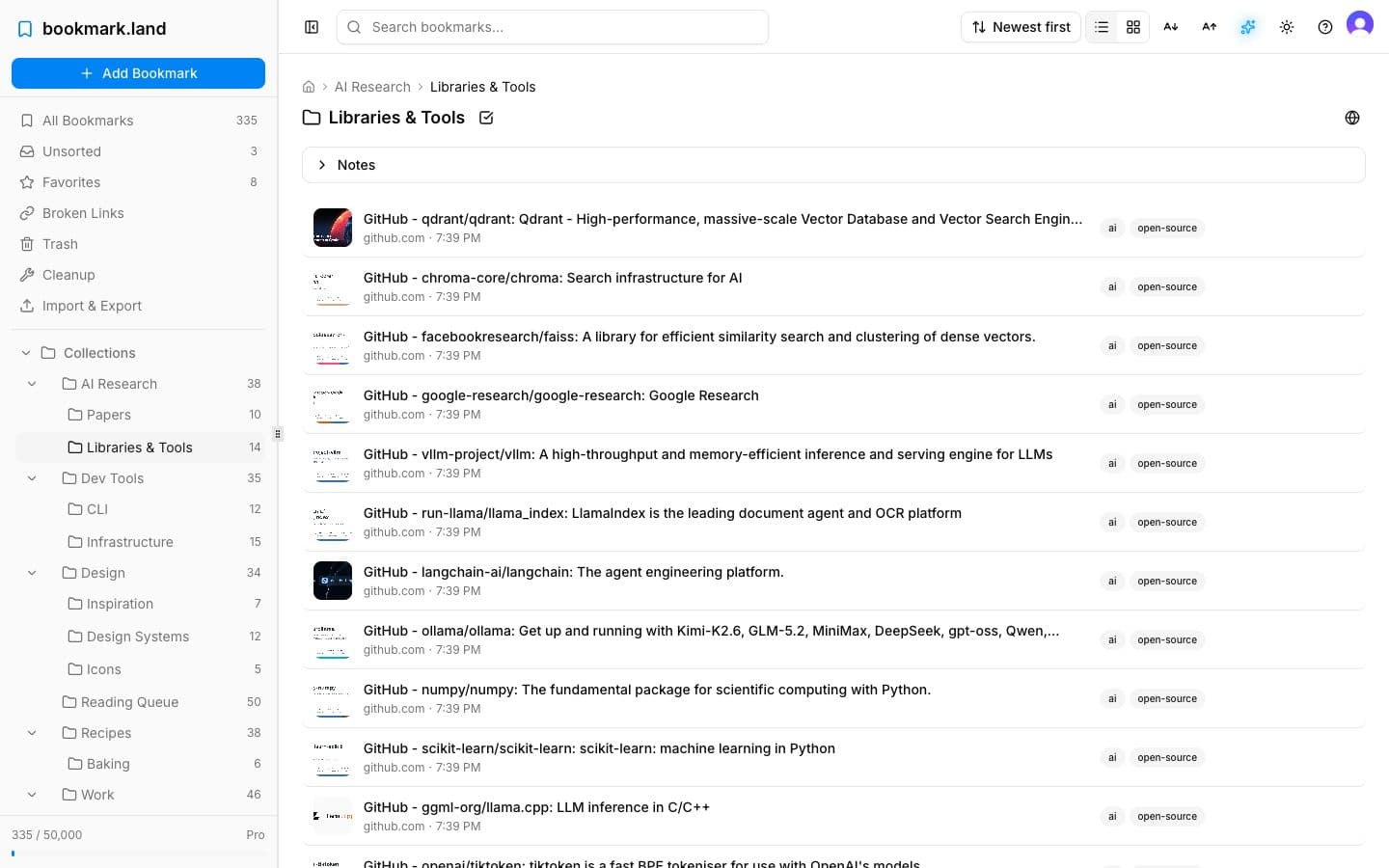
Move your collections in 3 steps
No technical skills needed. Export from Edge, import to bookmark.land, and you’re done.
- 1
Export from Edge
Open Collections (Ctrl+Shift+Y), select a collection, and use Share → Copy all or Send to Excel to save your links.
- 2
Create collections
Sign up for free, create your collections in bookmark.land, and organize with nested folders and icons.
- 3
Import bookmarks
Upload your exported file via Import & Export. Your links are live — searchable, tagged, and safe.
Your links deserve a permanent home.
Free tier available. Pro is $29.99/year.
Start Your Free LibraryNo credit card required — works in Chrome, Firefox, Safari, and yes, Edge
Edge Collections Migration FAQ
When is Microsoft removing Edge Collections?
Microsoft began removing Edge Collections starting with Edge version 145 in February 2026. The feature is being phased out across all users with no announced replacement.
How do I export my Edge Collections before they disappear?
Open Edge Collections (Ctrl+Shift+Y), select a collection, click the share icon, and choose “Copy all” or “Send to Excel.” For HTML export, select all items and copy them, then save as an HTML file you can import into bookmark.land.
Does bookmark.land work in browsers other than Edge?
Yes. bookmark.land is a web app that works in any modern browser — Chrome, Firefox, Safari, Edge, Arc, Brave, and more. You’re never locked into a single browser again.
Is there a free plan?
Yes. The free Explorer plan includes up to 100 bookmarks with full search, filters, and export. Pro is $2.99/month or $29.99/year for up to 50,000 bookmarks, smart folders, and link health monitoring.